01
Prepare your digital menu or menu PDF.
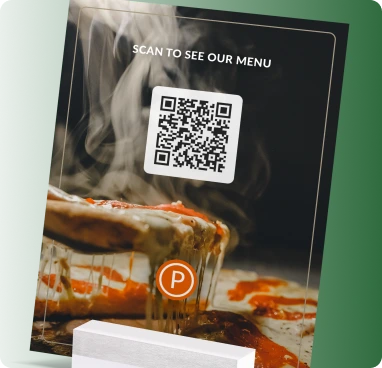
Replace or complement printed menus with a QR that opens your latest menu on a phone. Update prices, specials and availability without replacing table cards.
Prepare your digital menu or menu PDF.
Customize a QR for your venue and brand.
Print it on tables, counters, packaging or signage.
Update the destination later without replacing the printed QR code.
Track scans and understand where, when and on which devices people engage.
Customize colors, shapes, logo, frames and export a print-ready QR code.
Designed for fast scanning and a smooth experience on phones.
Built for bilingual audiences with full RTL support across Wsla.
Download QR artwork in PNG, JPG, SVG or PDF formats.
Yes. Update the linked menu or file while keeping the same dynamic QR.
Yes. Wsla is designed for bilingual Arabic and English experiences.
No. A QR menu can complement printed menus or replace them where appropriate.
Replace or complement printed menus with a QR that opens your latest menu on a phone. Update prices, specials and availability without replacing table cards.
Create this QR