01
Create the feedback or survey page.
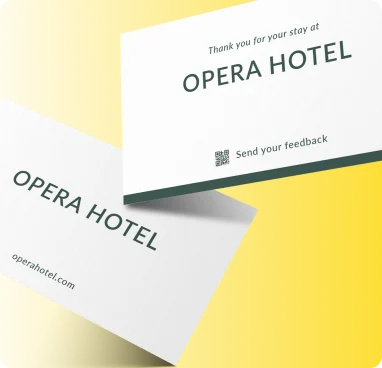
Make it easy for customers to give feedback at the moment that matters. A scan can open a short survey, rating form or review flow.
Create the feedback or survey page.
Generate a QR with a clear call to action.
Place it where customers can scan immediately after the experience.
Update the destination later without replacing the printed QR code.
Track scans and understand where, when and on which devices people engage.
Customize colors, shapes, logo, frames and export a print-ready QR code.
Designed for fast scanning and a smooth experience on phones.
Built for bilingual audiences with full RTL support across Wsla.
Download QR artwork in PNG, JPG, SVG or PDF formats.
Your flow can include a link to a public review destination where appropriate.
Yes, if you use an editable form or dynamic QR destination.
Use locations close to the customer experience, such as tables, receipts, packaging, counters or follow-up material.
Make it easy for customers to give feedback at the moment that matters. A scan can open a short survey, rating form or review flow.
Create this QR