01
Upload or provide the PDF destination.
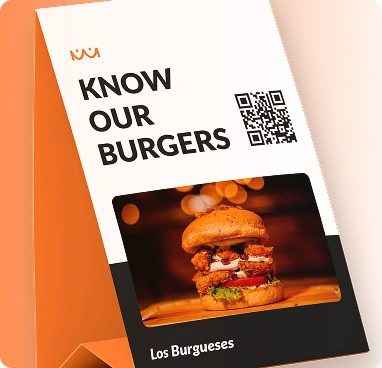
Share a document without asking people to type a URL. A PDF QR is useful for brochures, menus, catalogues, manuals, price lists and other files.
Upload or provide the PDF destination.
Customize the QR design.
Add it to print, labels or signage and update the file when needed.
Update the destination later without replacing the printed QR code.
Track scans and understand where, when and on which devices people engage.
Customize colors, shapes, logo, frames and export a print-ready QR code.
Designed for fast scanning and a smooth experience on phones.
Built for bilingual audiences with full RTL support across Wsla.
Download QR artwork in PNG, JPG, SVG or PDF formats.
With a dynamic QR destination, you can point the same printed code to a newer document.
Download behavior depends on the document viewer and the user's browser.
Yes, although a dedicated digital menu can provide a more interactive experience.
Share a document without asking people to type a URL. A PDF QR is useful for brochures, menus, catalogues, manuals, price lists and other files.
Create this QR