01
Create the product information destination.
Give customers more information than a label can hold. A Product QR can connect packaging to ingredients, authenticity details, care instructions, support, manuals or reorder links.
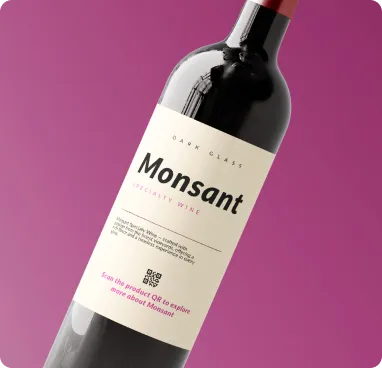
Create the product information destination.
Generate and test the QR at the intended print size.
Add it to packaging and keep the linked content updated.
Update the destination later without replacing the printed QR code.
Track scans and understand where, when and on which devices people engage.
Customize colors, shapes, logo, frames and export a print-ready QR code.
Designed for fast scanning and a smooth experience on phones.
Built for bilingual audiences with full RTL support across Wsla.
Download QR artwork in PNG, JPG, SVG or PDF formats.
Yes, with a dynamic destination you can update the linked information without changing the QR pattern.
You can link to authenticity or verification information, although secure anti-counterfeit systems may require additional technology.
Yes. The destination can contain manuals, support links, care instructions and purchase actions.
Give customers more information than a label can hold. A Product QR can connect packaging to ingredients, authenticity details, care instructions, support, manuals or reorder links.
Create this QR