01
Create the event page or registration destination.
Give guests one place to access the information they need before and during an event: date, venue, directions, tickets, schedule and useful links.
Create the event page or registration destination.
Generate a branded event QR.
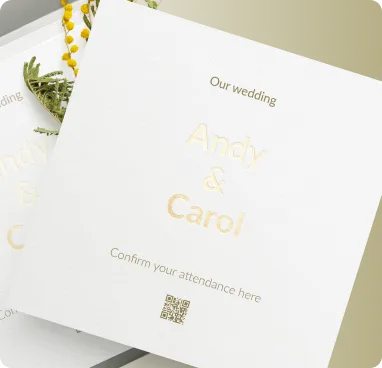
Place it on invitations, tickets, signage and social graphics.
Update the destination later without replacing the printed QR code.
Track scans and understand where, when and on which devices people engage.
Customize colors, shapes, logo, frames and export a print-ready QR code.
Designed for fast scanning and a smooth experience on phones.
Built for bilingual audiences with full RTL support across Wsla.
Download QR artwork in PNG, JPG, SVG or PDF formats.
Yes. Link to an event page that contains venue directions, ticket links and other useful information.
A dynamic destination lets the QR remain the same while the linked content changes.
Your event page can include calendar links or downloadable calendar information.
Give guests one place to access the information they need before and during an event: date, venue, directions, tickets, schedule and useful links.
Create this QR