How to Create a Free Menu QR Code for Your Restaurant
The restaurant industry is evolving fast, and going digital is no longer optional. QR code menus are one of the most effective ways to modernize your dining experience, save money, and attract more customers. In this guide, you’ll learn how to create a free restaurant QR code using Wsla, a platform designed for businesses.
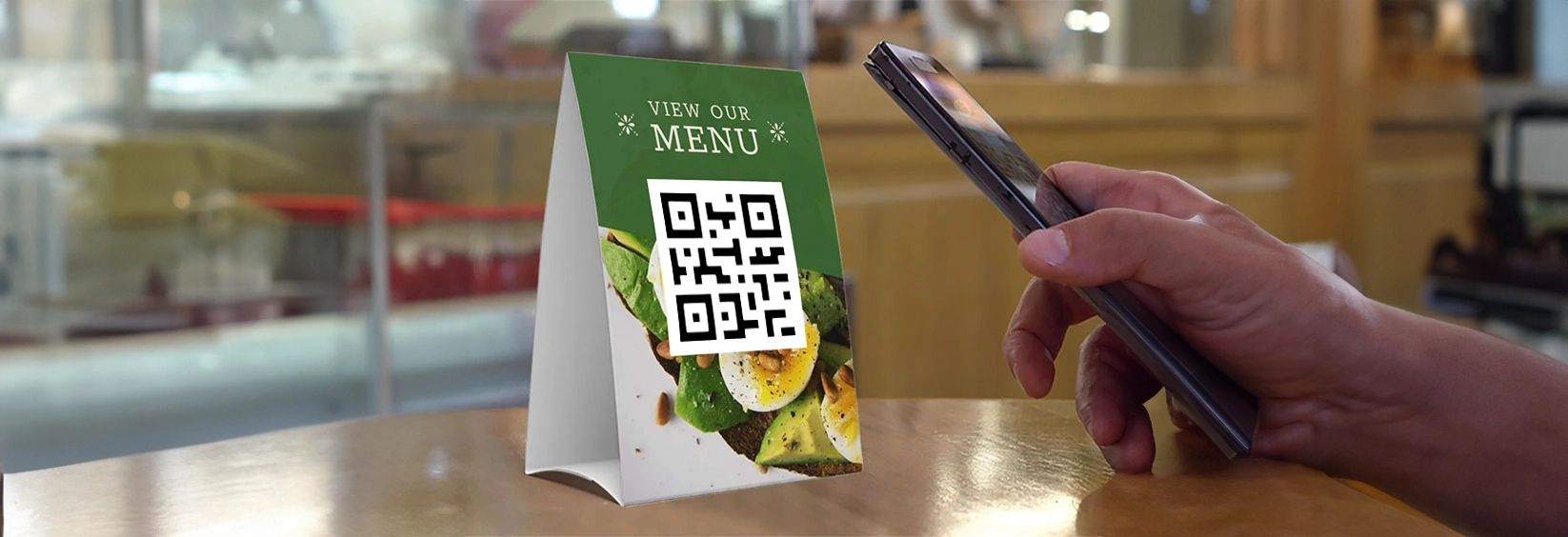
Why Should I Use a QR Code for Restaurant Menus?
QR code menus offer huge benefits to restaurants, cafés, food trucks, and cloud kitchens. Here’s how switching to a digital menu using Wsla can help your business:
• Attract new customers by placing your QR code on takeaway packaging, flyers, and social bios. Wsla pages are mobile‑optimized and instantly load your menu on any device.
• Increase food and drink sales by guiding visitors to bestsellers, combo offers, or limited‑time items using Wsla’s link buttons and jump link feature.
• Save on printing costs and eliminate menu reprints. Edit your menu instantly in Wsla and keep using the same QR code.
• Go green and reduce paper waste by going fully digital. Show your customers you care about sustainability.
• Brand your entire experience with Wsla. Customize the page colors, fonts, QR design, and even place your restaurant logo inside the QR code.
• Enable contactless interactions. Let diners scan your QR, view the menu, and take action through call, SMS, or ordering options.
• Update your menu anytime. Whether you’re changing prices, adding seasonal items, or promoting an event, you can do it in real time with Wsla.
• Provide a visual, accessible menu. With Wsla, you can add images, icons, and organize sections to help customers quickly find what they want.
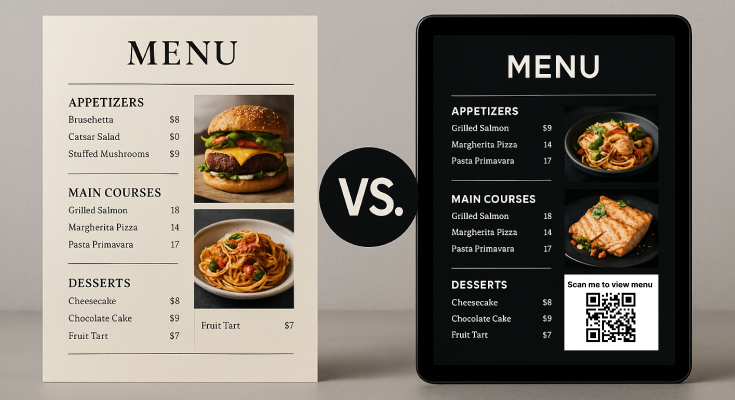
💡 Pro Tip: What is a Jump Link?
With Wsla, you can activate a jump link — a smart feature that temporarily redirects anyone who scans your QR code directly to a specific promotion or highlight, such as “Today’s Special” or a limited‑time offer, without changing your base menu layout. Perfect for instant marketing without extra setups.
What is a Restaurant QR Code Menu?
A restaurant QR code menu is a scannable code that lets customers view your food and drink offerings directly on their phones. No app is needed. Once scanned, the QR can open a PDF, a hosted image, or—best of all—a mobile‑optimized Wsla page with your full menu layout.
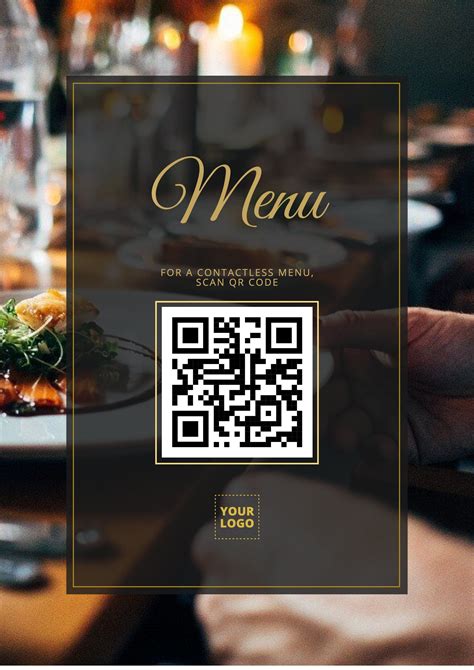
What You Need to Get Started
All you need is your menu (as a PDF, image, or Google Drive link), your restaurant name and logo, and a free Wsla account. That’s it.
How to Create a Free Menu QR Code with Wsla
First, visit Wsla and create your free account.
Once signed in, create a new profile and name it after your restaurant.
Add your restaurant logo, banner, a short bio, and links to your menu.
You can embed a PDF link or upload an image of your menu.
Organize it into sections like Appetizers, Mains, Desserts, Drinks.
Choose from different layouts such as Grid, List, or Slider to display your items neatly.
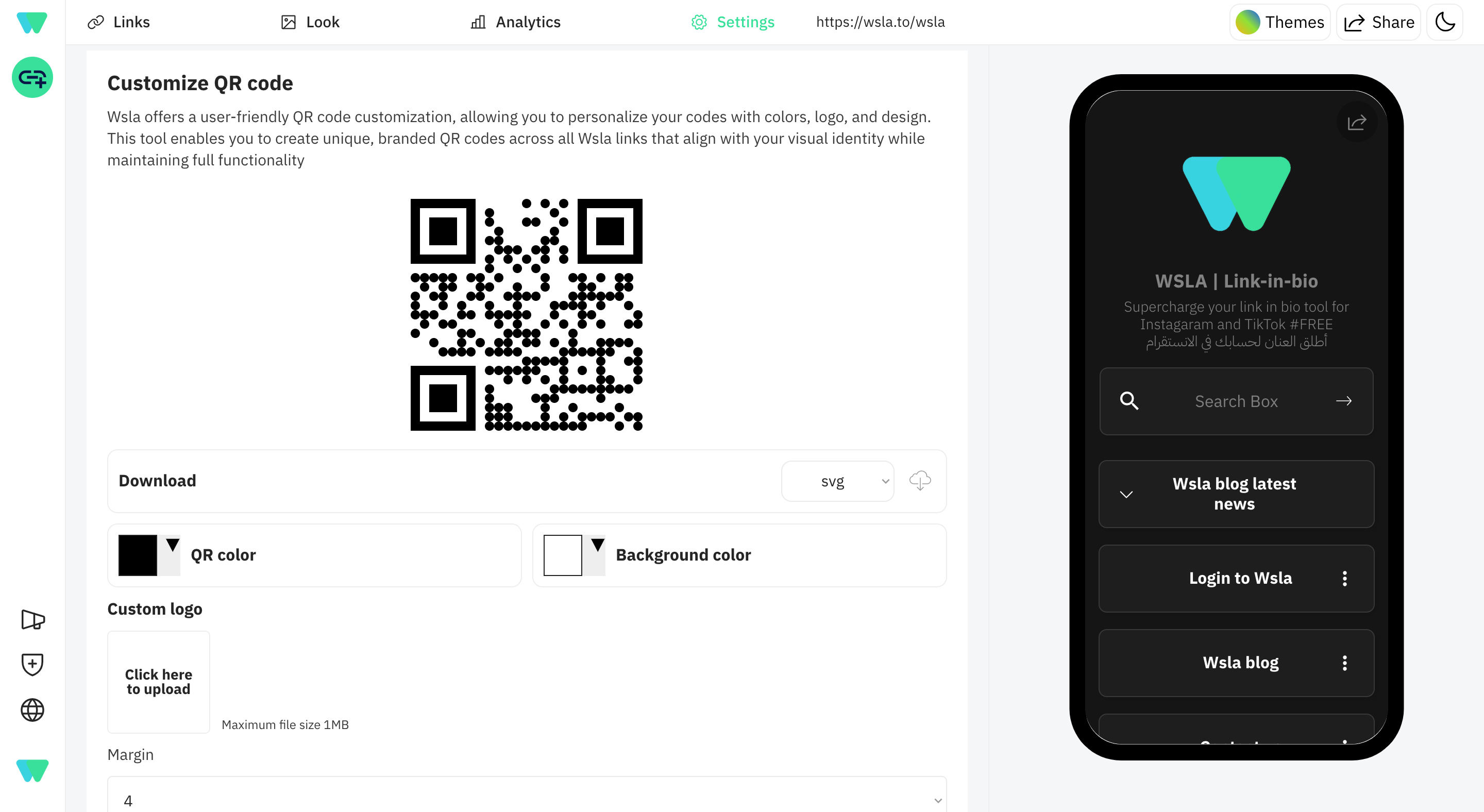
Then go to the Settings -> QR Code tab in your Admin dashboard.
Customize and Download your free QR code in PNG, JPG, or EPS, PDF format.
You now have a ready‑to‑use restaurant QR code
Best Practices for Creating High‑Quality Menu QR Codes
• Use high‑contrast colors like black on white for easier scanning
• Place your logo in the center of the QR code to reinforce branding
• Print your QR code at 300 DPI for maximum clarity
• Test your QR code on multiple devices before going live
• Avoid printing on glossy or reflective surfaces that make scanning harder
5 Creative Ways to Highlight Your Menu QR Code in Your Restaurant
• Tabletop menu holders with a clean, visible QR code
• Stickers on takeaway bags and drink cups
• Posters or standees at the entrance of your restaurant
• Receipts with your QR code printed at the bottom
• Branded staff badges with the QR code for quick access
Go Beyond: Unlock Premium Features with Wsla
For restaurants that want more control and customization, Wsla Pro and Premium plans offer additional power. You can create custom QR designs with animation, gradients, and brand‑matching styles. Remove Wsla’s branding, access full analytics (including device and city breakdowns), and manage multiple branches under one dashboard.
Conclusion
With Wsla, you can digitize your restaurant menu in minutes — without hiring designers, developers, or printing services. Your diners get a faster, more hygienic, and engaging experience. You get full control, live updates, and the ability to grow your brand.
Ready to take your restaurant to the next level?
Create Your Free Menu QR Code Today at wsla.to
Examples of Restaurants Using Wsla
• El Mahroosa – An Egyptian restaurant serving traditional feteer mashaltet, oriental-style feteer, pizza, crêpes, and Egyptian hawawshi in Madinah.
• Casa Rahma – A Moroccan restaurant specializing in family-style dishes with a blend of Arabic and international flavors.
• Groupe Ice – A Moroccan café brand offering drinks and food including baked goods, coffee, desserts, and ice creams in multiple flavors.
• Fateral Akil – An Egyptian restaurant serving traditional flatbreads, honey feteer, eastern and Italian-style pizzas, located in Al-Nasr District, Al-Madaris Street, Al-Raya, Madinah, Saudi Arabia.
• Cairo (Al-Madinah) – A restaurant serving traditional Egyptian cuisine in Madinah.
On this page
Keep reading


Get the Wsla newsletter
One short email, every Friday. Product updates, creator stories, and growth playbooks.